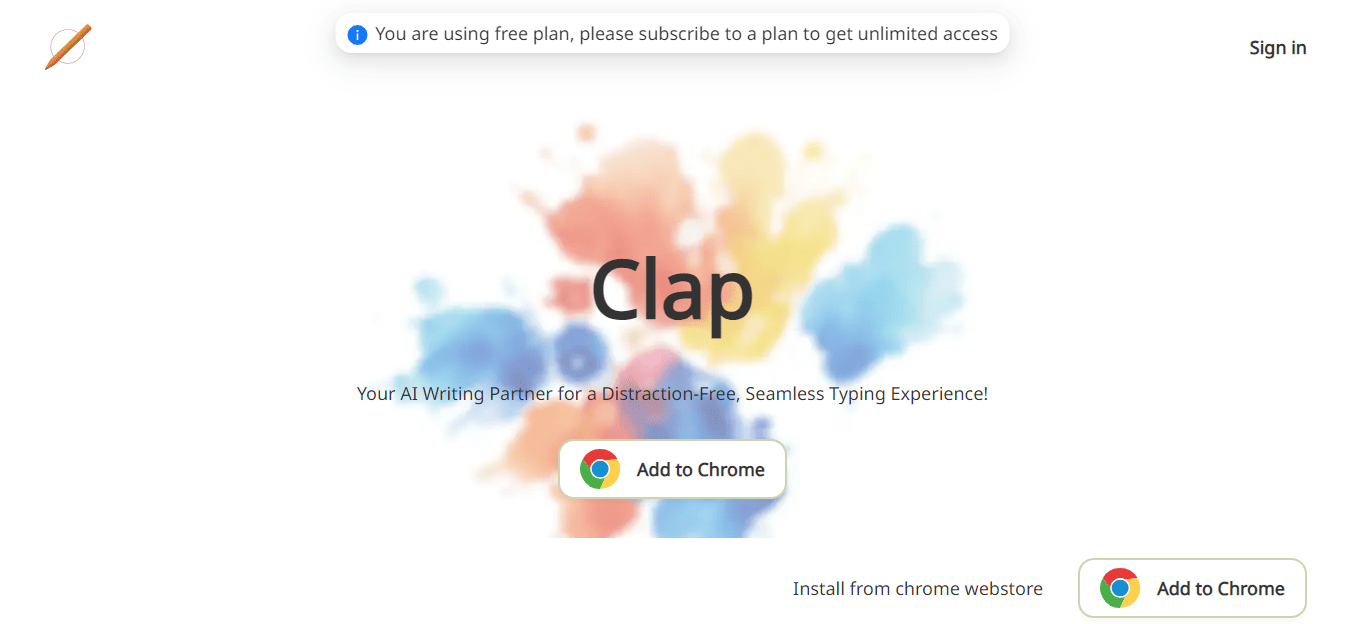
Clap is an AI-powered Chrome extension that works as a writing assistant. It leverages the ChatGPT API to provide multiple productive features, from SEO-friendly content generation to rewriting text.
It also helps users rephrase, improve, fix grammar, shorten or lengthen content, translate to any language, and change the tone of content quickly.
It is context-aware thus it analyses the content from the title to the body. This enables the AI to provide tailored and target-audience-optimized responses based on the available information.
Here’s a quick guide to get started with Clap:
- Install from the Chrome web store.
- Click the extension icon to log in and activate.
- Subscribe to a plan with a 7-day free trial.
- Start using Clap in any web text editor.
- To disable Clap on certain sites, use ‘Ctrl+Shift+J’ or click the icon.
Add “/” right before your prompt to make it comprehensive for the AI. Prompts should be less than 20 characters.
For example, you can input “Be yourself /en to fr” and get “Be yourself” translated from English to French.
It works on sites like Gmail, Reddit, GitHub, Medium, Twitter, Notion, YouTube, etc.
This tool supports AI assistance in multiple languages making itself globally efficient.
Clap Pricing: The tool costs $5 every month and further offers a 7-day free trial.